Is Arc Studio Safe? How to Review AI-Generated Smart Contracts
Arc Studio can speed up on-chain development, but generated contracts are not automatically secure. Learn what to verify before production.
Is Arc Studio Safe? What to Check Before Deploying AI-Generated Smart Contracts#
Arc Studio lets developers describe an onchain application in natural language, generate Solidity and frontend code, run initial contract reviews, inspect onchain activity, and deploy to supported testnets. That can make it much faster to move from an idea to a working prototype.
But a working prototype is not the same thing as a secure production system.
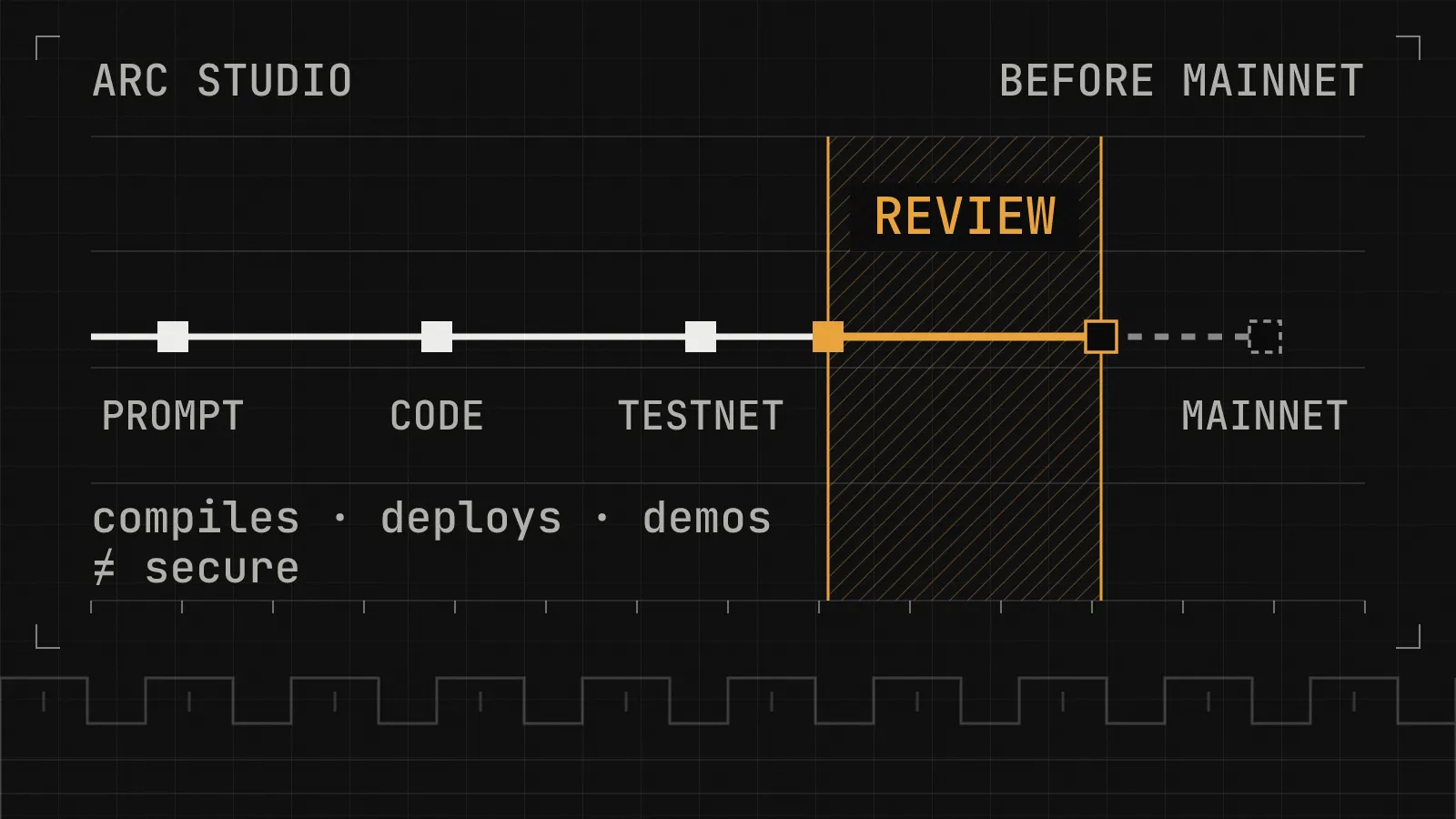
Arc Studio can accelerate development; it does not certify the security of the code it generates. Arc Studio’s current product page lists one-click deployments to Arc Testnet and eight other EVM testnets. Its Terms of Use say the product is intended for testnet environments. If you use generated output on mainnet or another production network, you must independently review, test, validate, deploy, and operate it outside Studio with your own credentials and deployment tools.
This guide explains what Arc Studio does, what its initial checks can-and cannot-tell you, and how to review an AI-generated contract before it handles real assets.
What is Arc Studio?#
Arc Studio is an AI-powered development environment from Circle Technology Services. Developers can use natural-language prompts to create onchain applications, including smart contracts and the interfaces around them. Its current product page describes a workflow that brings several development tasks into one place:
- Generate contracts and application code: create or revise Solidity and the app built around it.
- Run initial reviews: check generated contracts before a testnet deployment.
- Deploy to supported testnets: deploy to Arc Testnet and listed EVM testnets, including Base, Ethereum, Arbitrum, OP, Polygon, Avalanche, Unichain, and Monad.
- Interact with contracts: inspect contract state and use read and write functions through the interface.
- Trace activity: inspect RPC calls, transactions, decoded events, and related offchain requests in a timeline.
- Fit into AI coding workflows: use Studio from its web interface or supported tools such as Claude Code, Codex, and Cursor.
These features can shorten the path to a prototype and make it easier to inspect what an application is doing. They do not establish that its business logic, permissions, integrations, or economic assumptions are secure. Product features and supported networks can change, so verify the current Arc Studio page before relying on a specific capability.
So, is Arc Studio safe to use?#
It can be useful for prototyping and testnet development-as long as you treat generated code as untrusted until you have reviewed and tested it. Keep three separate questions in mind:
| Layer | What it can tell you | What it does not prove |
|---|---|---|
| Arc Studio | The tool can help generate and inspect an application. | That the generated design or code is correct. |
| Initial reviews and testnet checks | Some issues may be identified early in development. | That every attack path, edge case, or business-logic flaw has been found. |
| The production application | Its actual security can be evaluated through review, testing, configuration checks, and operational controls. | It is not secure merely because it compiles, passes a demo, or deploys successfully. |
Arc makes a similar distinction on its security page: Arc-specific checks and developer resources can help surface potential implementation issues, but they are not certification, approval, or a guarantee that an application is secure. They also do not replace independent audits, monitoring, internal controls, or the application team’s own security responsibilities.
The key question is not whether Studio can produce working code. It is whether the exact version you plan to deploy preserves the security properties your application requires-even when a user behaves maliciously, transactions arrive in an unexpected order, or an external dependency fails.
Can Arc Studio deploy contracts to mainnet?#
Arc Studio’s current product page lists one-click deployment to Arc Testnet and supported EVM testnets. Its terms state that Studio does not handle mainnet deployment or submit mainnet transactions on your behalf, and that the product is intended for testnet environments only.
If you plan to use generated code on mainnet, move it into a repository and handle the release independently. Review and test the exact source, compiler settings, dependencies, constructor arguments, addresses, permissions, and deployment scripts. Use your own credentials and deployment tooling, and verify the final deployed bytecode against the reviewed build where your process supports it.
One important detail: Arc’s terms say a sandbox may display mainnet-targeted configurations or references without representing a live mainnet deployment or interaction. A preview that looks production-oriented is not evidence that a live contract exists or that its settings are correct.
Before making a release decision, read the current Arc Studio Terms of Use and check the official Arc developer documentation. Transaction mistakes and smart contract failures can have irreversible financial consequences.
Security risks to review in AI-generated smart contracts#
AI-generated code can implement a happy path while missing a security invariant, an unusual state transition, or an assumption hidden in an integration. Review the risks that apply to your protocol-not just the ones listed below.
1. Access control, initialization, and upgrades#
List every function that can pause the contract, withdraw funds, change fees, update trusted addresses, alter parameters, upgrade an implementation, or transfer ownership. Confirm that each privileged action has the intended authorization. Check initializers, role changes, ownership transfers, emergency controls, and upgrade paths for ways an untrusted user could gain privileges or bypass restrictions.
A useful question is: Can someone outside the intended trust boundary change state or move assets that should be protected? Review the Solidity enforcement, not just which buttons appear in the generated frontend.
2. Asset accounting, units, and rounding#
Trace every deposit, withdrawal, refund, fee, share calculation, and balance update. Check how values move between tokens and internal accounting, and test tiny values, large values, repeated operations, zero amounts, and rounding boundaries. For financial contracts, write down the invariants the system must preserve and test them directly.
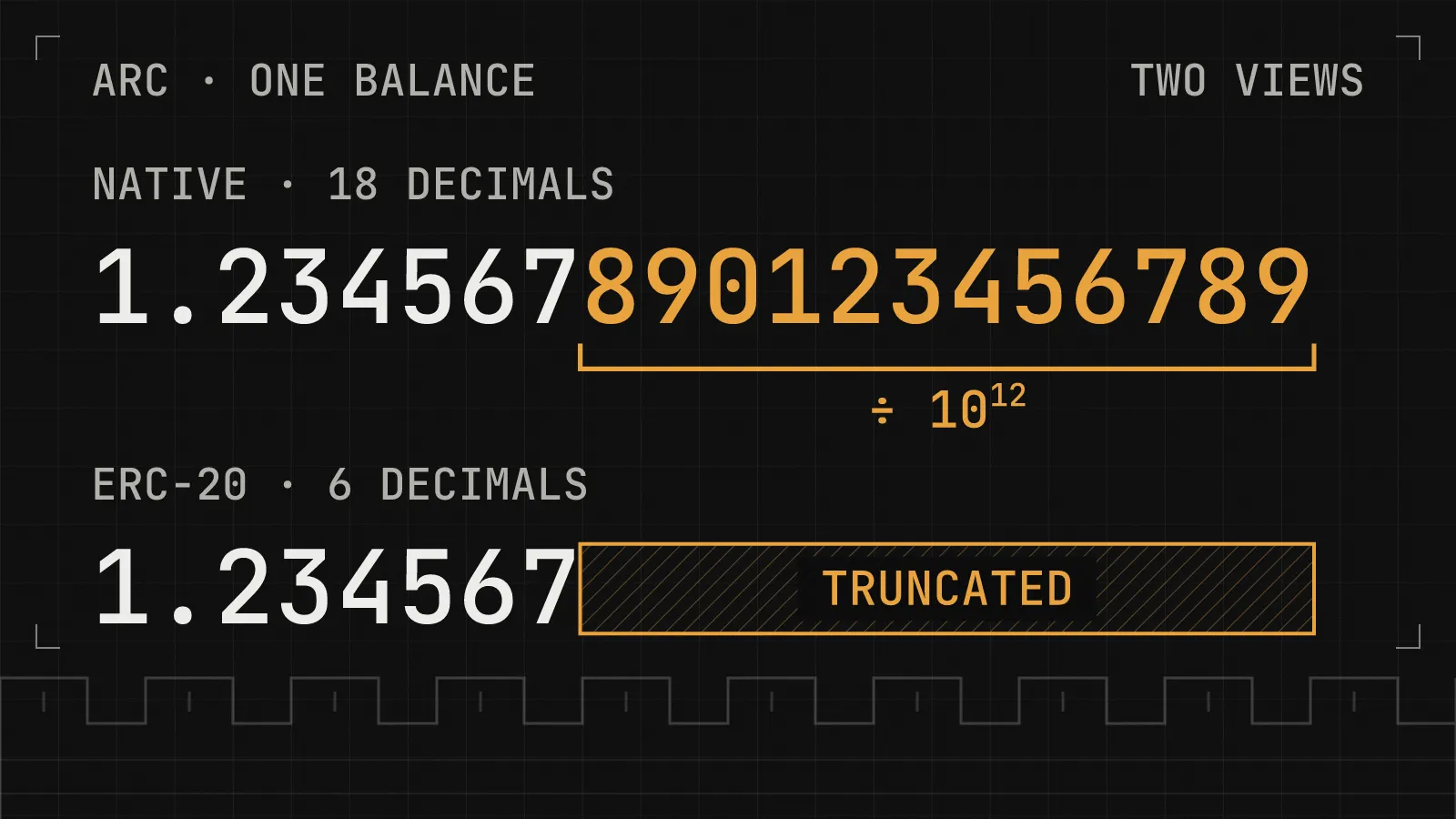
Arc-specific check: do not assume that token units or transfer behavior are identical across EVM networks. Arc’s documentation describes USDC as a six-decimal asset and documents how native USDC sends and ERC-20 transfer() calls are represented in transfer events. If accounting, indexing, reconciliation, or monitoring logic treats these as separate paths, verify that assumption against the current documentation for the exact target network and test both flows. Never copy token addresses or decimal assumptions from another chain without checking them.
See the Arc developer documentation and the Arc event-indexing guide for network-specific details.
3. Reentrancy and external calls#
Review functions that call tokens, routers, or other contracts-especially when control leaves your contract before internal state is updated. Ask whether an external contract could call back into the protocol, return unexpected data, or revert at a point that leaves the system in an unsafe state. Checks-effects-interactions, reentrancy guards, and adversarial tests can help, but the right defense depends on the actual call flow and invariants.
4. Signatures, replay protection, and network configuration#
For permits, signed messages, typed data, or offchain authorization, verify the signed fields, domain separation, nonce handling, expiry, chain ID, and verifying contract. Test whether a valid signature can be reused in an unintended context or whether two functions interpret the same signed payload differently.
Also check contract addresses, RPC endpoints, chain IDs, and environment-specific settings. A generated frontend can compile while pointing to the wrong contract or displaying configuration that does not match the deployed system.
5. Oracles, bridges, tokens, and other integrations#
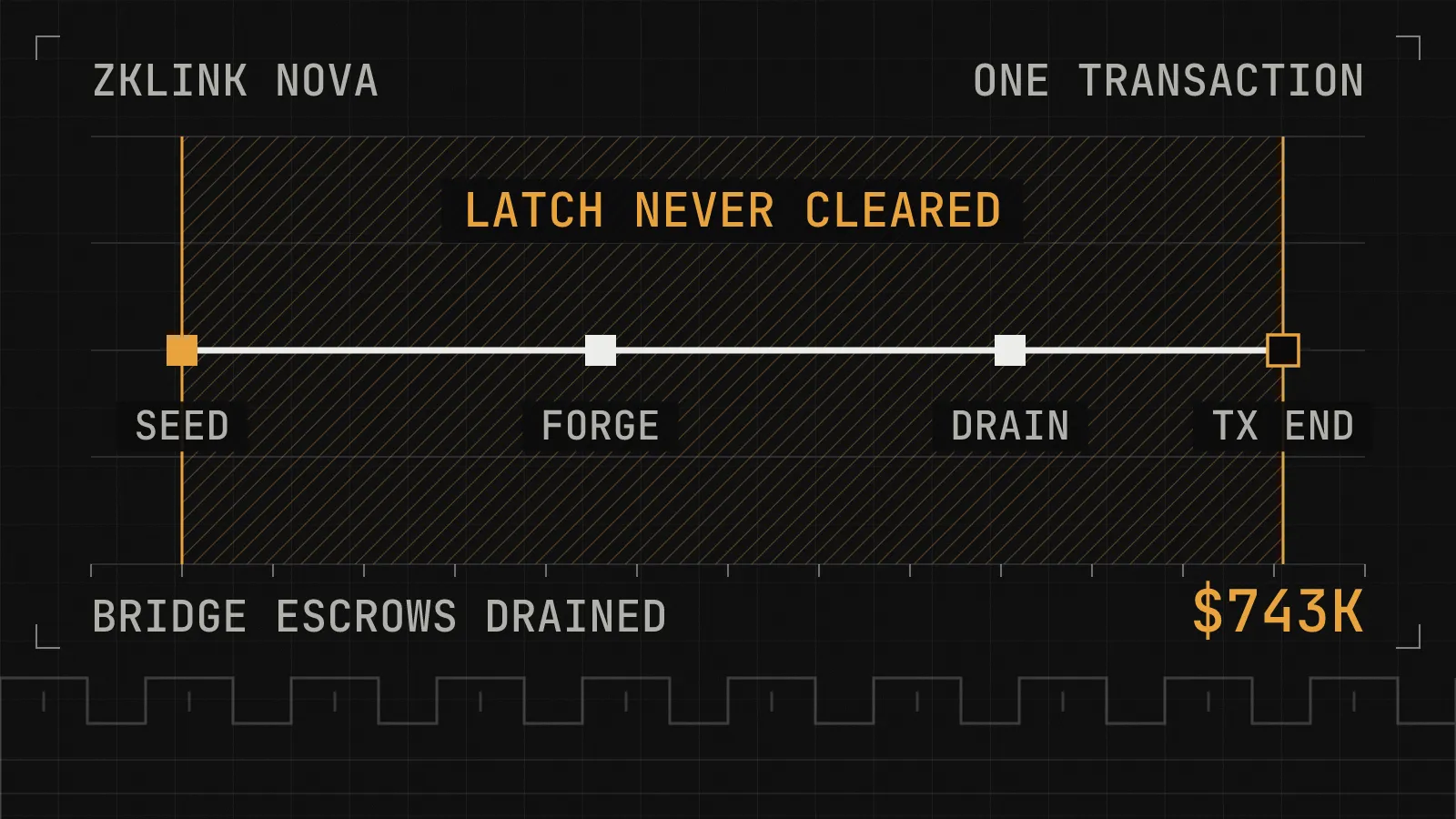
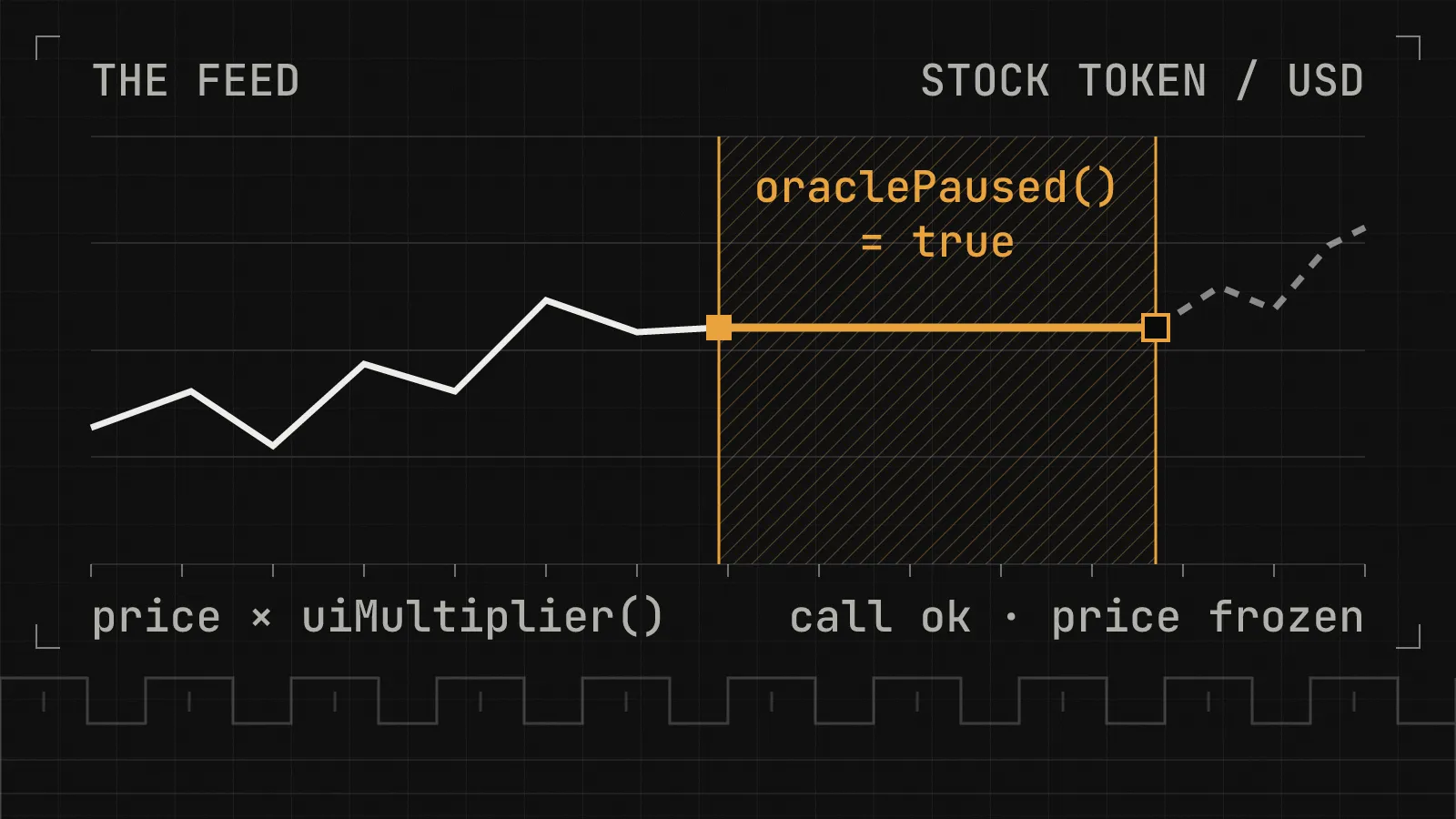
Do not blindly trust a contract response or assume an integration behaves ideally. Check the intended address and interface, how the application handles reverts and stale or invalid data, and what happens when a dependency is paused or unavailable. For cross-chain systems, review message authentication, source and destination identifiers, replay protection, duplicate delivery, and delayed or failed messages.
6. Business logic, frontend assumptions, and incomplete tests#
The most damaging flaw may be specific to the protocol rather than a familiar Solidity bug: a payment claimed twice, a refund larger than the original payment, a withdrawal that breaks solvency, or an order finalized before its requirements are met. State the intended rules explicitly and test both valid and invalid sequences of actions.
The frontend is not an authorization boundary. Users can call public contract functions directly, without using the generated interface. Confirm that permissions are enforced in Solidity and that the UI accurately presents recipients, amounts, transaction status, permissions, and failure states.
Finally, inspect imported libraries, pinned dependency versions, compiler settings, build scripts, and generated deployment code. A successful compile or a passing happy-path test is only one signal. Use unit tests, negative tests, fuzzing, and invariant tests where appropriate.
An additional precaution: do not put secrets into prompts#
Arc Studio’s Terms of Use warn users not to submit personal data, sensitive or confidential information, private keys, or security credentials. Treat prompts and connected AI development tools accordingly: never paste private keys, API keys, wallet credentials, or other secrets into a prompt. Keep production credentials in your established secrets-management and deployment workflow.
This is separate from whether the generated contract contains a vulnerability. Protecting the development environment and credentials is part of protecting the eventual deployment.
A release checklist for Arc Studio-generated contracts#
Use this as a starting point-not as a substitute for an independent security assessment.
- Move the generated source into version control and identify the exact commit intended for release.
- Understand each contract, imported library, privileged function, external call, and state transition.
- Pin compiler and dependency versions; review generated build and deployment scripts.
- Verify initialization, ownership, access control, upgrade mechanisms, and emergency controls.
- Trace all asset flows and document the accounting invariants the protocol must preserve.
- Test invalid inputs, boundary values, repeated calls, revert paths, and unusual transaction ordering.
- Add fuzz and invariant tests for high-value accounting and state-transition properties.
- Verify token addresses, decimal assumptions, signatures, chain IDs, and external integrations against the target network’s documentation.
- Confirm that frontend behavior cannot bypass contract-level permissions or misrepresent transaction details.
- Run the relevant automated checks, then test on testnet using the intended configuration.
- Review the precise source and configuration that will be deployed-not an earlier preview or a later, unreviewed edit.
- Use a separate, controlled production deployment process; keep credentials out of prompts and source code.
- Plan monitoring and incident response, including who can act if a critical issue is found.
- Arrange an independent security review for contracts that hold funds, enforce financial rules, or control critical permissions.
Arc also lists developer documentation, Arc-specific predeploy tooling, technical office hours, security reporting paths, and audit support for qualifying teams. These can strengthen a development process, but they do not certify an individual application as safe. Check the official Security on Arc page for current resources and eligibility.
Does Arc Studio replace a smart contract security audit?#
No. Initial reviews and network-specific checks can surface some implementation issues, but an independent audit evaluates the application in context: the intended design, reachable attack paths across functions and contracts, privileged roles, asset flows, external dependencies, and the security properties the system is meant to preserve. The scope and methods should reflect the protocol’s risks.
For a useful review, provide the auditor with the intended design, threat model, external integration details, privileged-role assumptions, test suite, and the exact commit planned for release. Fix findings and retest the corrected version before deployment. For high-risk systems, also plan monitoring and operational controls; an audit is one part of a security process, not a permanent guarantee.
A prototype intended only for testnet experimentation may need a different level of review from a production application that will hold user funds or enforce financial logic. The important thing is to make that risk decision explicitly rather than treating an AI-generated result as production-ready by default.
Frequently asked questions#
Is Arc Studio safe to use?#
It can be useful for prototyping and testnet development, but generated output may be incomplete, inaccurate, or vulnerable. Independently review and test the code before relying on it in production.
Does Arc Studio deploy directly to mainnet?#
Its current product page lists deployments to Arc Testnet and supported EVM testnets. Its terms state that Studio does not handle mainnet deployment or submit mainnet transactions on your behalf and is intended for testnet environments. Mainnet use of generated output must be handled independently with your own credentials and tooling after review and testing.
Do I need to know Solidity to use Arc Studio?#
Natural-language prompts lower the barrier to creating a prototype, but a production team still needs someone qualified to understand, verify, maintain, and secure the deployed code. If that expertise is not available internally, bring in qualified development and security professionals.
Which networks does Arc Studio support?#
The current product page lists Arc Testnet, Base, Ethereum, Arbitrum, OP, Polygon, Avalanche, Unichain, and Monad testnets. Supported networks and features can change; check Arc Studio for the latest list.
Where can I find Arc’s security resources?#
Start with Security on Arc and the Arc developer documentation. These cover Arc-specific implementation details, developer tooling, reporting routes, and support programs.
Moving an Arc Studio project toward production?#
AI-assisted development can shorten the path from idea to prototype. Before that prototype controls real assets, the team still needs to understand the code, test failure conditions, verify external integrations, and review the precise implementation that will be released.
Parapet Labs helps Web3 teams identify smart contract vulnerabilities before deployment. Our security reviews examine protocol logic, authorization, asset accounting, contract interactions, and edge cases that can be missed during implementation and testing.
If your Arc Studio project is moving toward production, arrange an independent review before launch.
Explore Parapet Labs security services
Official references#
- Arc Studio - product features and currently supported testnets.
- Arc Studio Terms of Use - intended testnet use, limits of AI-generated output, handling of mainnet activity, and credential precautions.
- Security on Arc - Arc-specific checks, developer resources, audit support, and limits of security tooling.
- Introducing Arc Studio: The Onchain Coding Agent - Arc’s description of the product and workflow.
- Arc developer documentation - network-specific technical references.
- How to: Index Arc Events - documentation on USDC transfer events and indexing behavior.
This article is educational and does not certify Arc Studio or any generated contract as secure. Product features, supported networks, and technical documentation may change; verify details against the official resources linked above before publication.